

In the evolving world of digital marketing and analytics, clean and reliable data collection is the foundation of effective decision-making. Businesses rely heavily on tracking user interactions to optimize their websites, improve user experience, and measure the success of marketing campaigns. However, as tracking needs become more complex, managing tags and scripts can quickly become unwieldy and error-prone. This is where the concept of a DataLayer comes into play, offering a structured and efficient way to handle tracking data.
What is a DataLayer and Why Does It Matter?
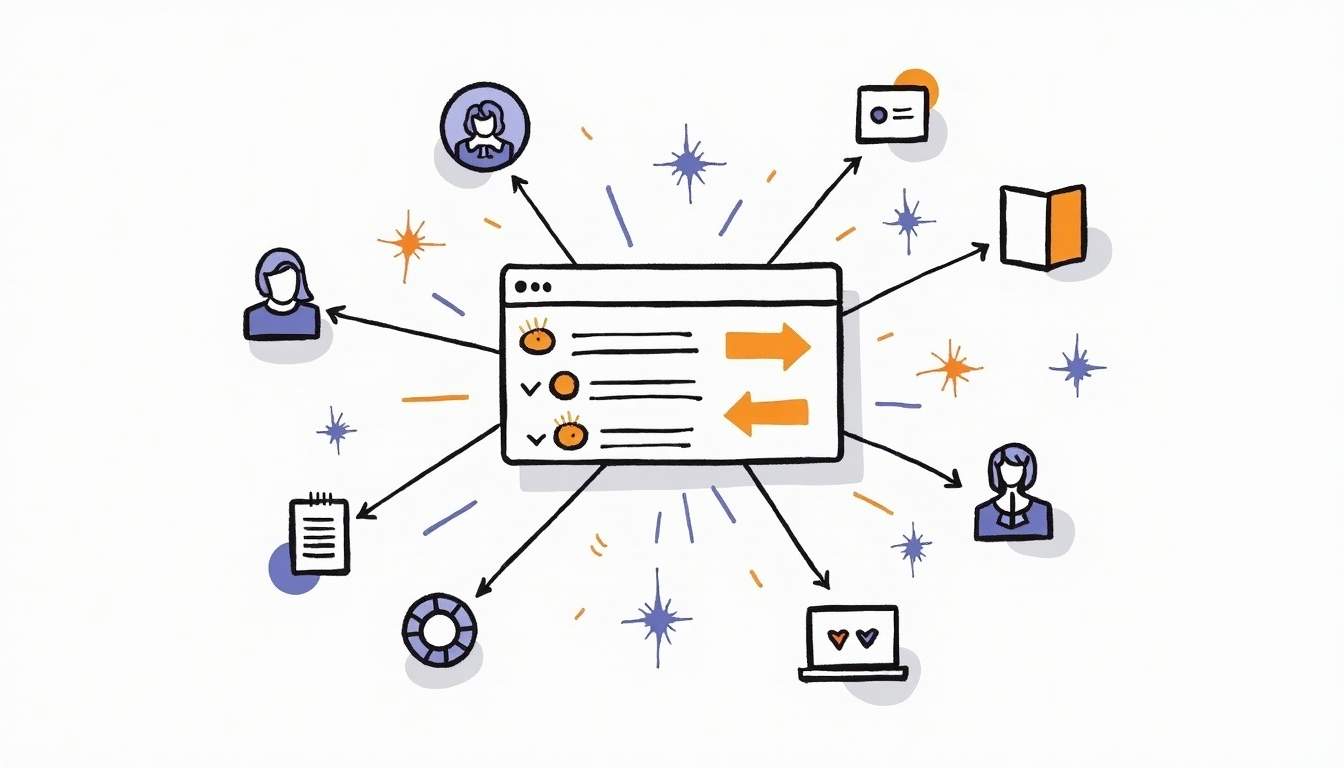
A DataLayer is essentially a JavaScript object that acts as a centralized repository for data you want to pass from your website to your analytics and marketing tools. Instead of scattering tracking information across multiple tags and scripts, the DataLayer provides a single source of truth that can be accessed by various tracking platforms, such as Google Tag Manager (GTM), Adobe Launch, or other tag management systems.
Using a DataLayer is crucial because it promotes cleaner, more maintainable code and reduces the risk of data inconsistencies. When data is pushed into the DataLayer, it becomes easier to manage, debug, and update tracking implementations without directly modifying the website’s source code repeatedly. This separation of concerns helps both developers and marketers collaborate more efficiently.
The Growing Complexity of Web Tracking
Modern websites often integrate multiple third-party tools for analytics, advertising, personalization, and user engagement. According to a 2023 report by BuiltWith, the average website uses over 20 third-party scripts, many of which rely on data collected through tracking tags. Without a structured approach like a DataLayer, managing these scripts can lead to duplicated efforts, conflicting data, and slower page load times.
Moreover, privacy regulations such as GDPR and CCPA have made it imperative to have precise control over what data is collected and when. A well-implemented DataLayer can help ensure compliance by making data flows transparent and easier to audit. By defining clear data structures and naming conventions within the DataLayer, organizations can facilitate better communication between technical teams and stakeholders, ensuring everyone understands what data is being collected and how it will be used.
Furthermore, the DataLayer can be instrumental in enhancing user experience by allowing for more personalized content delivery. For instance, by leveraging user behavior data stored in the DataLayer, marketers can tailor messages and offers that resonate with individual users, thereby increasing engagement and conversion rates. This dynamic capability not only improves the effectiveness of marketing campaigns but also fosters a more relevant and enjoyable browsing experience for users, ultimately leading to higher customer satisfaction and loyalty.
How DataLayer Enhances Tracking Accuracy and Consistency
One of the biggest challenges in web analytics is ensuring that the data collected is accurate and consistent across different platforms. Discrepancies can arise from inconsistent event naming, varying data formats, or missing data points. The DataLayer addresses these issues by standardizing how data is structured and transmitted.
Standardized Event Tracking
By defining a consistent schema for events and variables within the DataLayer, organizations can ensure that every interaction — whether it’s a button click, form submission, or page view — is tracked uniformly. This consistency is essential for accurate attribution and reporting. For example, naming conventions like event: 'purchase' or event: 'formSubmit' can be standardized so that all tools listening to the DataLayer interpret the data the same way. Furthermore, having a well-defined schema allows for easier onboarding of new team members, as they can quickly understand the structure and logic behind the data being collected. This not only streamlines the training process but also fosters a culture of data literacy within the organization.
Reducing Tag Duplication and Conflicts
Without a DataLayer, multiple tags might independently try to capture the same user action, leading to duplicated data or conflicting information. The DataLayer acts as a single source of truth, where data is pushed once and then consumed by all relevant tags. This reduces the risk of double counting conversions or misreporting user behavior. Additionally, by centralizing data management, teams can more easily implement changes or updates to tracking without the need to modify each individual tag. This not only saves time but also minimizes the risk of errors that could arise from manual updates across multiple locations.
Improved Debugging and Maintenance
DataLayer implementations can be easily inspected using browser developer tools or tag management debugging features. For instance, Google Tag Manager’s preview mode allows marketers and developers to see exactly what data is being pushed and when. This visibility simplifies troubleshooting and accelerates the deployment of new tracking features. Moreover, the ability to monitor real-time data flow can help teams quickly identify and rectify issues before they escalate, ensuring that data integrity is maintained throughout the user journey. Enhanced debugging capabilities also empower teams to perform A/B testing more effectively, as they can track variations in user behavior with precision, leading to more informed decision-making.
Implementing a DataLayer: Best Practices and Common Pitfalls
While the benefits of using a DataLayer are clear, the implementation requires careful planning and adherence to best practices to maximize its effectiveness.
Designing a Clear Data Schema
Before adding any code, it’s important to define a clear and scalable data schema. This involves deciding what data points are necessary, how they should be named, and what format they should follow. For example, e-commerce sites might include product IDs, categories, prices, and transaction details, while content sites might focus on article IDs, authors, and engagement metrics.
Consistency in naming conventions and data types (strings, numbers, booleans) helps ensure that all stakeholders understand and use the data correctly.
Using DataLayer Pushes Effectively
The DataLayer is typically implemented as an array to which data objects are pushed as events occur. For example:
window.dataLayer = window.dataLayer || [];window.dataLayer.push({ 'event': 'purchase', 'transactionId': '12345', 'transactionTotal': 99.99, 'products': [ {'id': 'SKU123', 'name': 'T-shirt', 'price': 29.99, 'quantity': 1}, {'id': 'SKU456', 'name': 'Jeans', 'price': 70.00, 'quantity': 1} ]});This approach allows asynchronous data collection and ensures that tags can listen for specific events and respond accordingly.
Common Mistakes to Avoid
One common pitfall is pushing incomplete or inconsistent data, which can lead to tracking errors. For example, forgetting to include mandatory fields like transaction IDs or event names can cause analytics platforms to discard important data.
Another issue is pushing data too early or too late in the page lifecycle. Data should be pushed when the relevant user action occurs and after the necessary data is available. For instance, pushing purchase data before the transaction is fully processed can cause inaccuracies.
Lastly, avoid mixing presentation logic with tracking data. The DataLayer should strictly contain data relevant to tracking and analytics, not UI or styling information.
Future Trends: DataLayer and Privacy-First Tracking
As privacy regulations tighten and browser restrictions on third-party cookies intensify, the role of the DataLayer is becoming even more critical. It enables first-party data collection methods that respect user consent and provide granular control over data sharing.

Consent Management Integration
Modern DataLayer implementations often integrate with consent management platforms (CMPs) to ensure that tracking only occurs after user permission is granted. This integration helps businesses comply with GDPR, CCPA, and other privacy laws while maintaining data quality.
Server-Side Tagging and DataLayer
Another emerging trend is the use of server-side tagging, where data collected on the client is sent to a server before being forwarded to analytics platforms. The DataLayer plays a vital role in structuring this data consistently, enabling more secure and reliable tracking that is less vulnerable to ad blockers and browser limitations.
Conclusion: Embracing DataLayer for Smarter Analytics
In the complex ecosystem of digital tracking, the DataLayer stands out as a powerful tool for achieving cleaner, more accurate, and maintainable data collection. By centralizing tracking data, standardizing event definitions, and enabling better collaboration between developers and marketers, it lays the groundwork for smarter analytics and more informed business decisions.
Organizations that invest time and resources into designing and implementing a robust DataLayer will not only improve their current tracking capabilities but also future-proof their analytics infrastructure against evolving technologies and regulations.
Ultimately, the DataLayer is not just a technical solution — it’s a strategic asset that drives better insights, enhanced user experiences, and greater marketing effectiveness.
Experience the Future of Conversion Tracking with Metrion
Ready to take your analytics to the next level? Metrion is here to streamline your conversion tracking and harmonize it with your digital advertising efforts. Say goodbye to complex implementation processes and hello to optimized marketing spend. Try Metrion for Free today and experience the seamless integration of data that empowers smarter business decisions and marketing success.


